
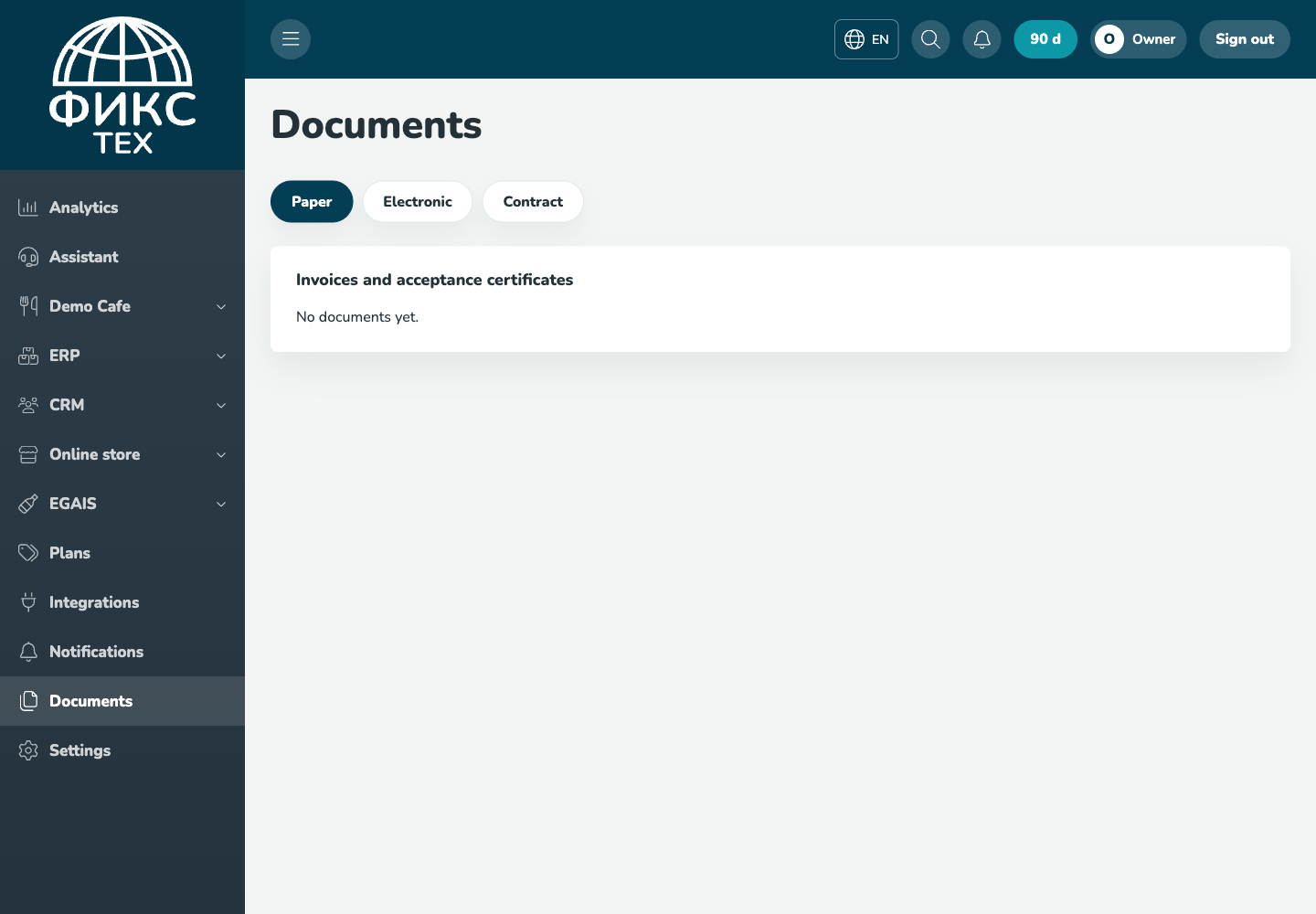
Find invoices and acceptance certificates, copy the Diadoc ID and get a contract with the customer's details.
Who this guide is for: owners and managers. Before making changes, make sure the correct establishment is selected.
Before you begin
- Sign in to the appropriate workspace and check the establishment name at the top of the page.
- Prepare the information you will enter. Payment and integration settings also require the provider's connection details.
- If an option is missing, check your plan and your role's permissions.
Setup steps
- Open Documents. Select Paper, Electronic or Contract.
- Download the document. The PDF button downloads a file belonging only to your account.
- Copy the electronic document exchange ID. A notification appears below the header.
- Check the details for the contract. Download the PDF without a company stamp and send two signed copies if required.
Check the result
The PDF opens correctly, details belong to the current customer, and another customer's document ID cannot be accessed through a direct link.
Troubleshooting
- Refresh the page and select the establishment again. Some data is only shown for the selected establishment.
- Check required fields, phone number format, dates and numeric values. Save errors appear on the right below the header.
- Do not create a duplicate just because a response is slow. Open the list first and check whether the record has already been created.