
Connect challenges, rewards, a loyalty card and order history in one clear guest journey.
Who this guide is for: owners and managers. Before making changes, make sure the correct establishment is selected.
Before you begin
- Sign in to the appropriate workspace and check the establishment name at the top of the page.
- Prepare the information you will enter. Payment and integration settings also require the provider's connection details.
- If an option is missing, check your plan and your role's permissions.
Setup steps
- Configure the program. Select the country and display rules, then create challenges, conditions and rewards.
- Link the guest and card. Set separate discount and accrual percentages without double accrual.
- Publish the available goals. The guest sees progress, rewards and the bonus balance in their account.
- Check an order. After confirmed payment, accrual happens once, and the history and active order are updated.
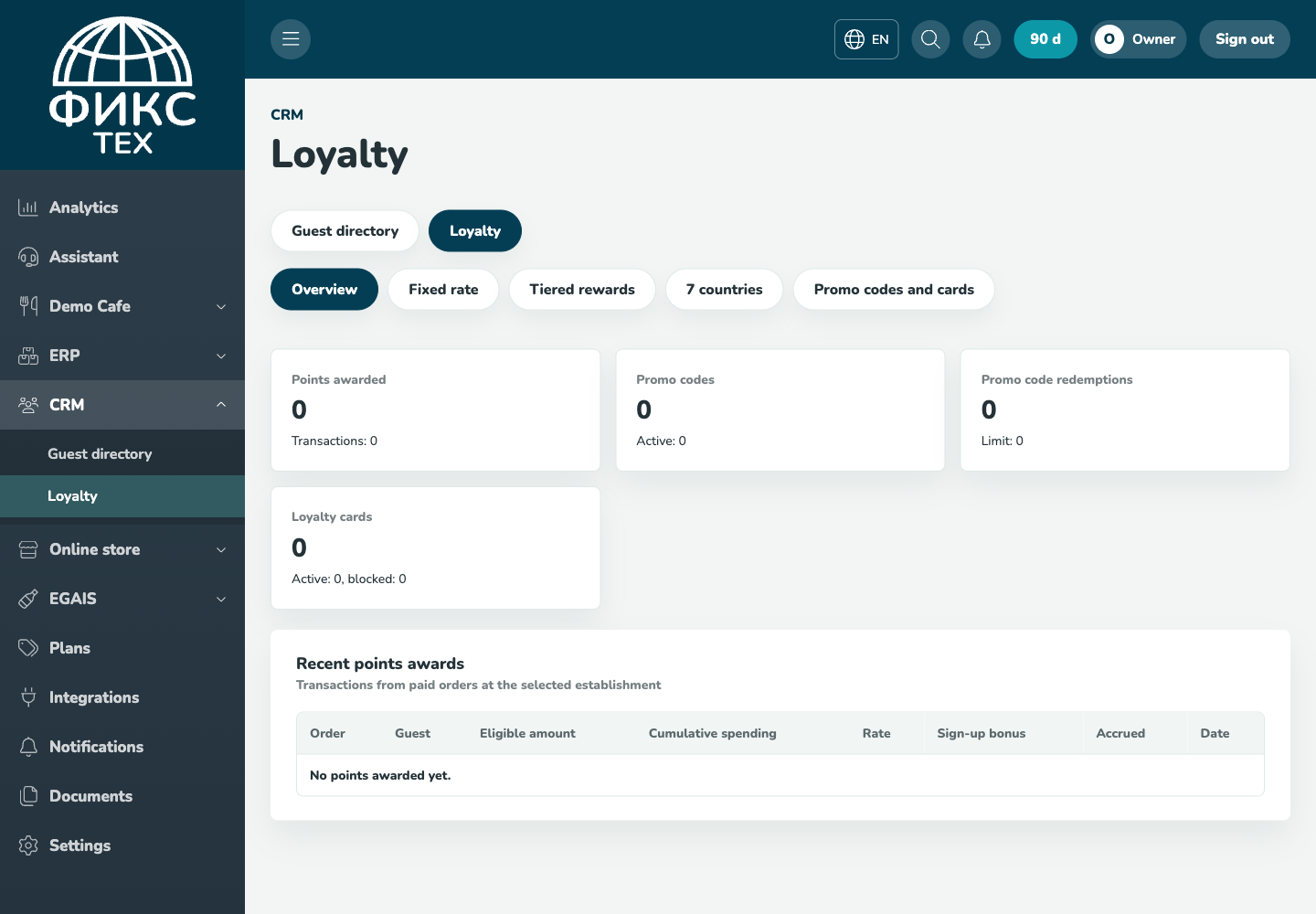
Check the result
The card belongs to one guest at the selected establishment, the card rate has the expected priority, reprocessing an order does not duplicate bonuses, and another guest's history is inaccessible.
Troubleshooting
- Refresh the page and select the establishment again. Some data is only shown for the selected establishment.
- Check required fields, phone number format, dates and numeric values. Save errors appear on the right below the header.
- Do not create a duplicate just because a response is slow. Open the list first and check whether the record has already been created.