
Create an account, verify your email address and sign in to your FixTech account securely.
Who this guide is for: owners and managers. Before making changes, make sure the correct establishment is selected.
Before you begin
- Sign in to the appropriate workspace and check the establishment name at the top of the page.
- Prepare the information you will enter. Payment and integration settings also require the provider's connection details.
- If an option is missing, check your plan and your role's permissions.
Setup steps
- Open the registration form. Select “Sign up” on fix-tech.pro and enter your name, phone number, email address and password.
- Confirm your consent. Select the checkbox to consent to personal data processing, then submit the form.
- Check your email. Follow the verification link, then open “Sign in” to access your account.
- Keep your credentials secure. Store your password in a password manager and do not share it with employees.
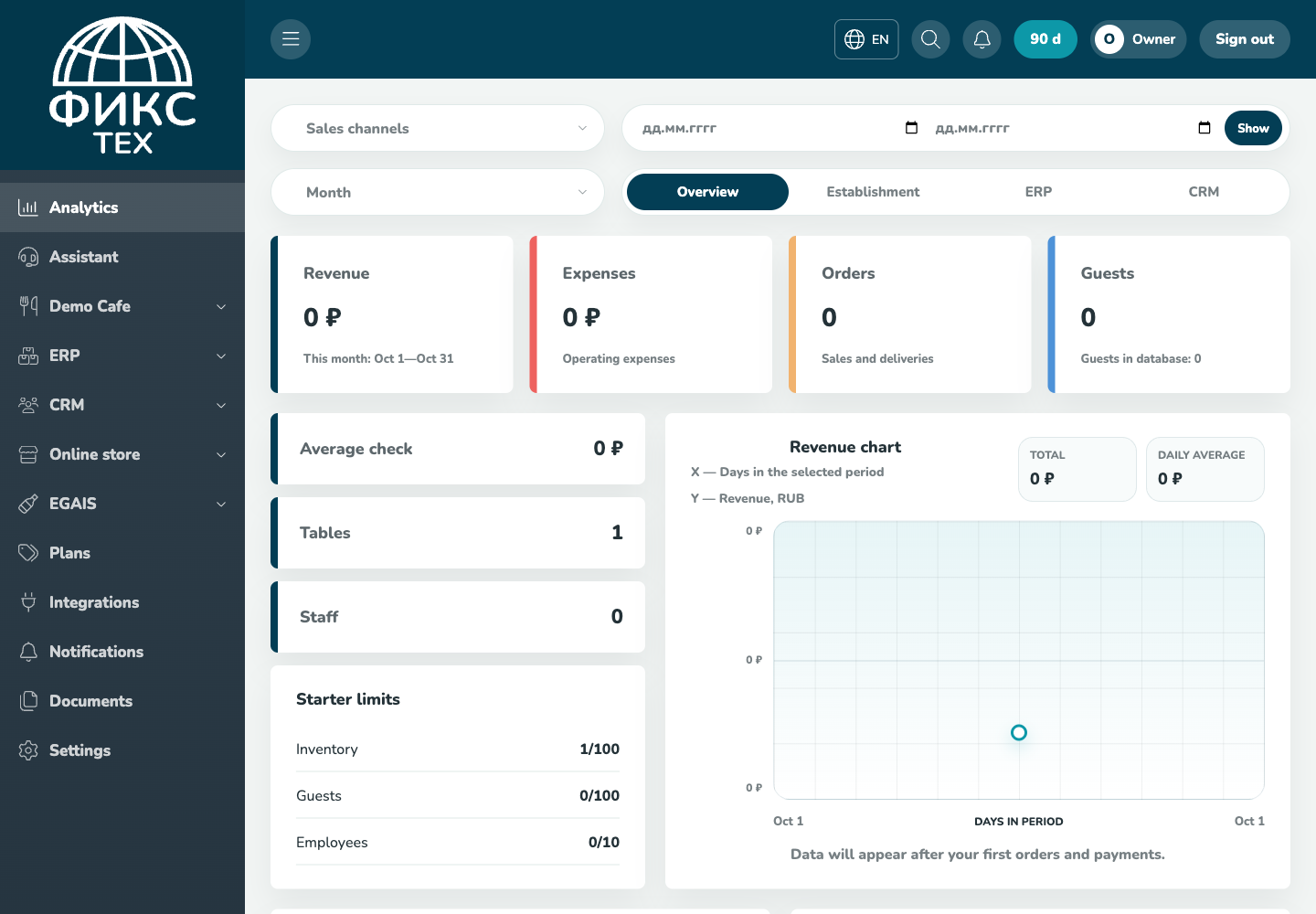
Check the result
After signing in, the dashboard opens. Your profile shows your name, phone number and verified email address.
Troubleshooting
- Refresh the page and select the establishment again. Some data is only shown for the selected establishment.
- Check required fields, phone number format, dates and numeric values. Save errors appear on the right below the header.
- Do not create a duplicate just because a response is slow. Open the list first and check whether the record has already been created.