
Daily workflow: open a shift, read assigned tasks, complete training and finish work correctly.
Who this guide is for: This guide is for waiters. Before making changes, make sure the correct establishment is selected.
Before you begin
- Sign in to the appropriate workspace and check the establishment name at the top of the page.
- Prepare the information you will enter. Payment and integration settings also require the provider's connection details.
- If an option is missing, check your plan and your role's permissions.
Setup steps
- Open your shift. Do this before taking the first order.
- Check notifications and notes. Accept your assigned tasks.
- Open Training. Complete the available lesson and assessment.
- Close your shift. Make sure all tables and orders have been handed over or completed.
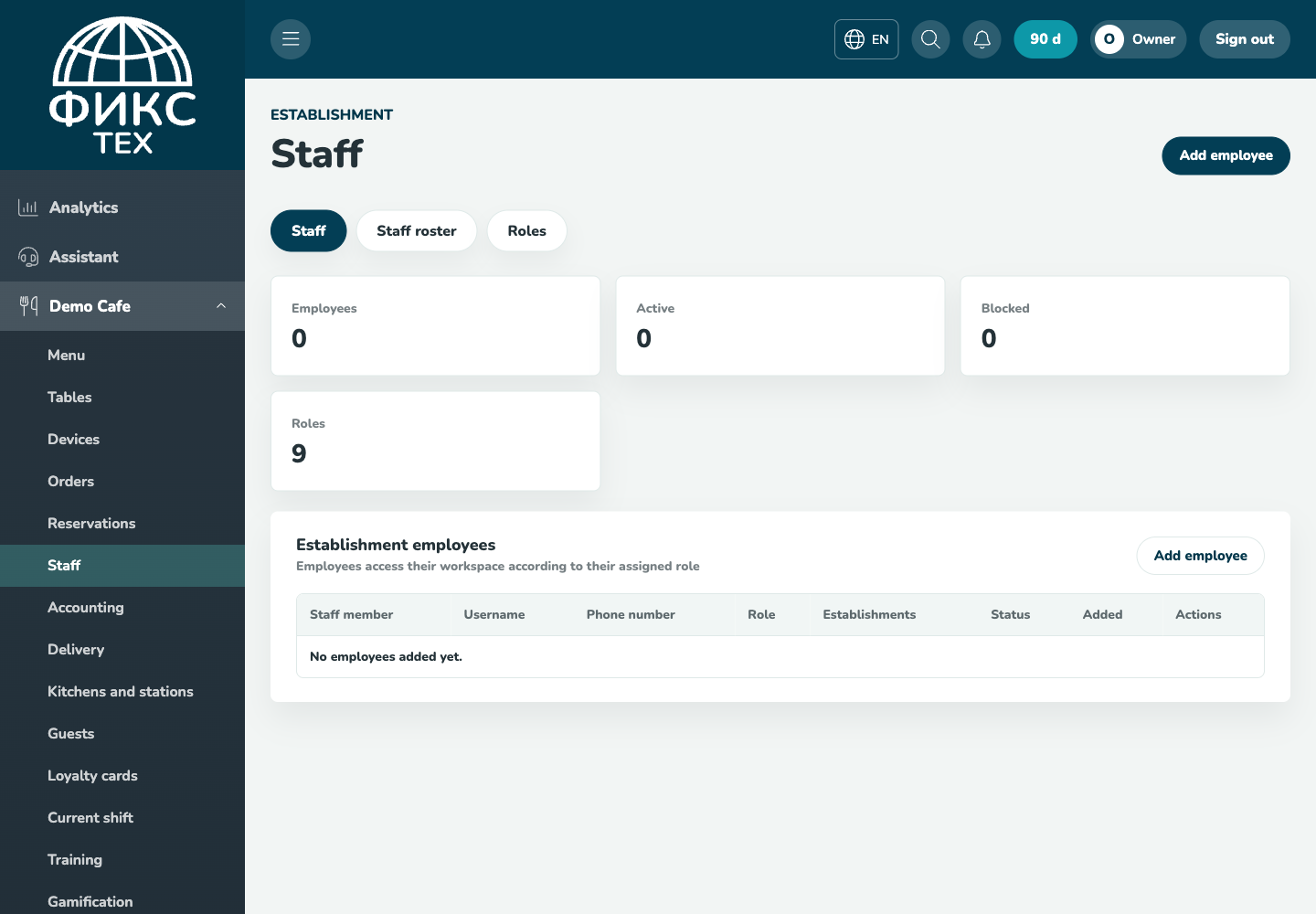
Check the result
The shift closes with no unattended active tables, tasks have a recorded status, and training results are saved.
Troubleshooting
- Refresh the page and select the establishment again. Some data is only shown for the selected establishment.
- Check required fields, phone number format, dates and numeric values. Save errors appear on the right below the header.
- Do not create a duplicate just because a response is slow. Open the list first and check whether the record has already been created.