
Receive assignments, read preparation instructions and mark tasks complete as a cook.
Who this guide is for: This guide is for cooks. Before making changes, make sure the correct establishment is selected.
Before you begin
- Sign in to the appropriate workspace and check the establishment name at the top of the page.
- Prepare the information you will enter. Payment and integration settings also require the provider's connection details.
- If an option is missing, check your plan and your role's permissions.
Setup steps
- Check notifications. Pay attention to new tasks and order changes.
- Open the note. Check the deadline and author.
- Complete the lesson. Use the latest version of the instructions.
- Mark it complete. The result must be visible to the manager.
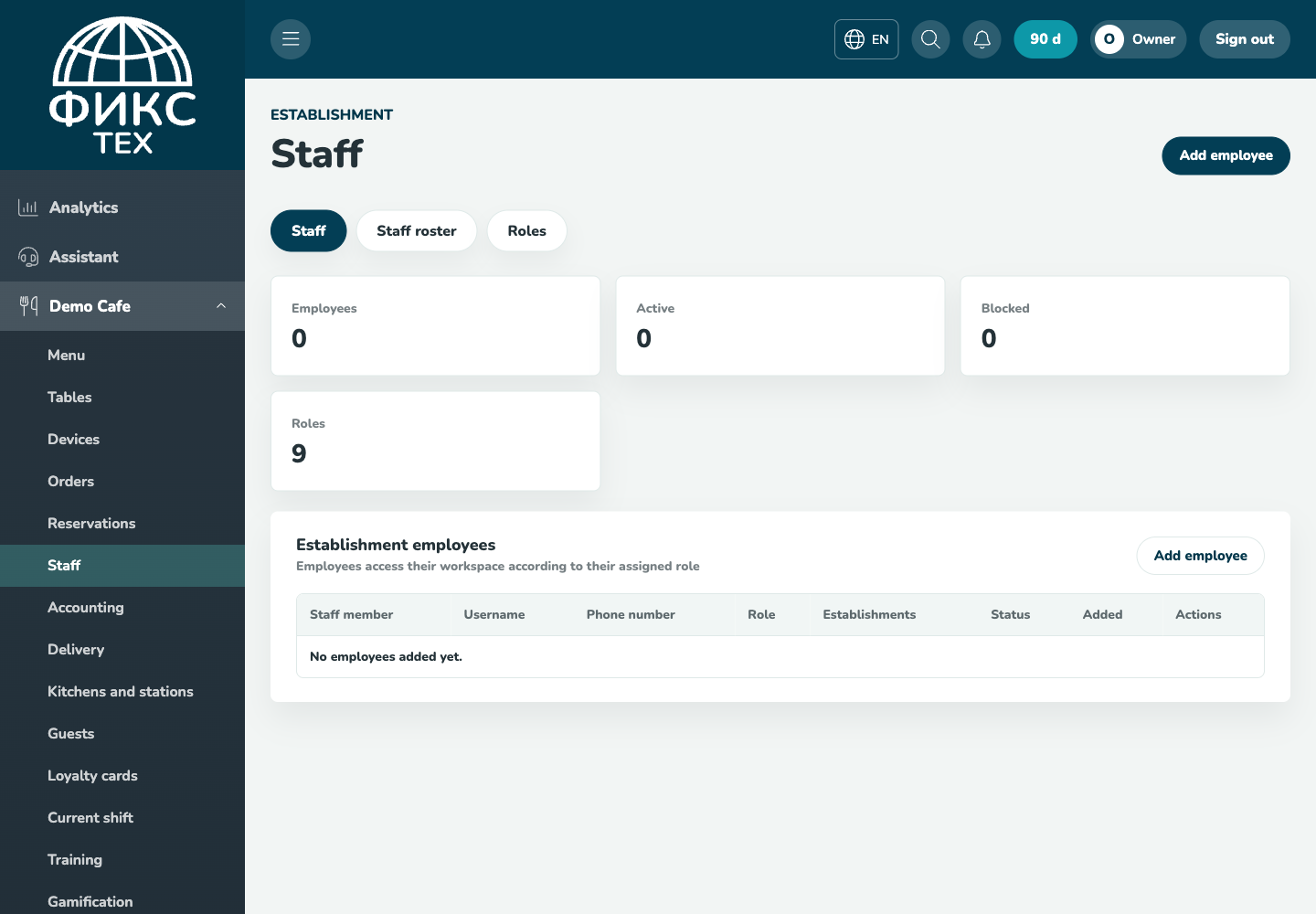
Check the result
The notification is marked read, the task reflects its actual status, and training is recorded for the current employee.
Troubleshooting
- Refresh the page and select the establishment again. Some data is only shown for the selected establishment.
- Check required fields, phone number format, dates and numeric values. Save errors appear on the right below the header.
- Do not create a duplicate just because a response is slow. Open the list first and check whether the record has already been created.