
Where to configure daily opening hours, delivery options, promo codes and establishment promotions.
Who this guide is for: owners and managers. Before making changes, make sure the correct establishment is selected.
Before you begin
- Sign in to the appropriate workspace and check the establishment name at the top of the page.
- Prepare the information you will enter. Payment and integration settings also require the provider's connection details.
- If an option is missing, check your plan and your role's permissions.
Setup steps
- Set the schedule. Set the start and end time for each day, including hours that extend past midnight.
- Configure delivery. Add the available methods, zones, prices and conditions.
- Create a promotion. Choose the period, qualifying condition and benefit for the promotion or promo code.
- Check for overlapping promotions. Make sure discounts do not combine in unintended ways.
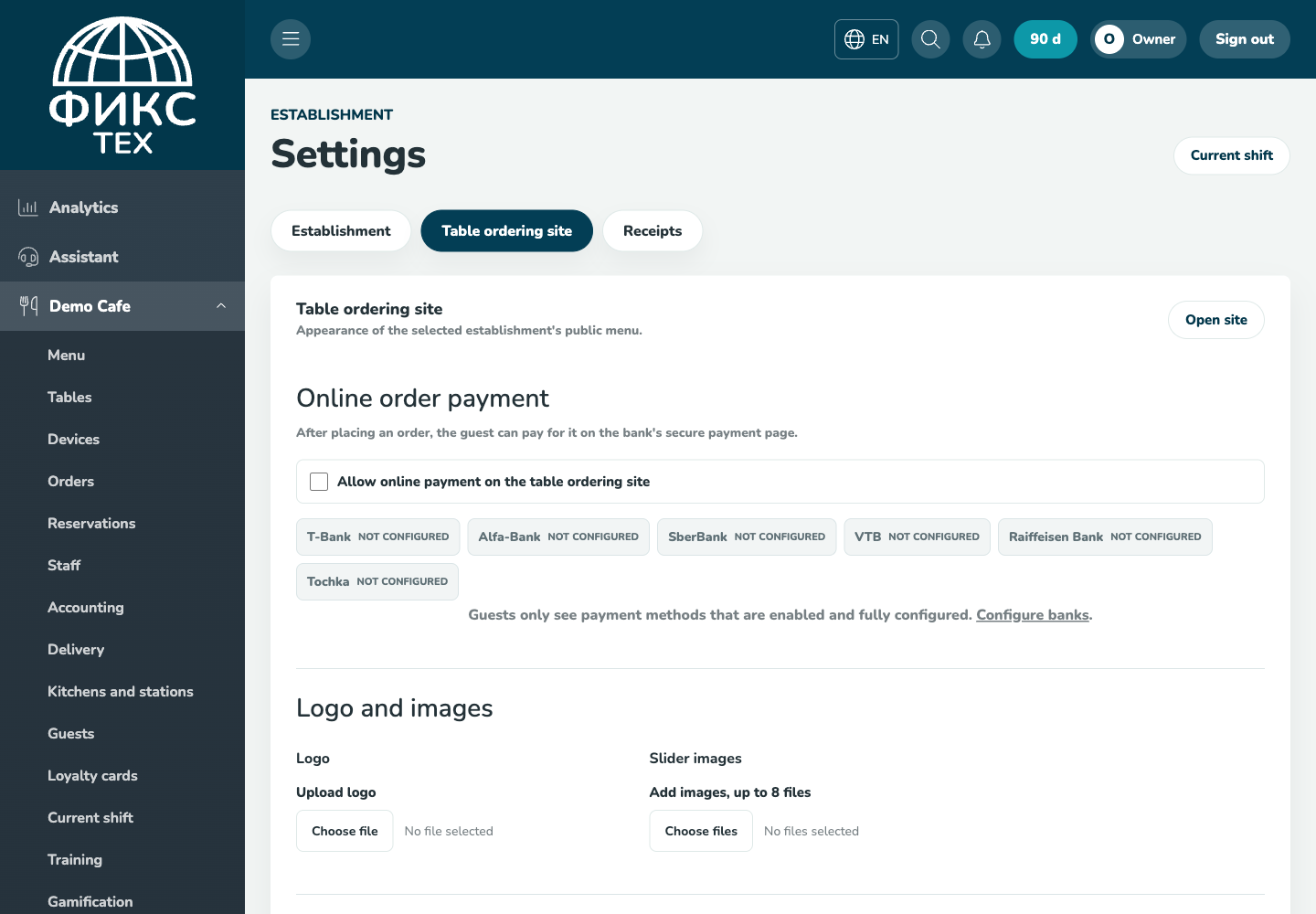
Check the result
Ordering is unavailable outside opening hours as configured, delivery is calculated according to its conditions, and the discount applies only during the specified period.
Troubleshooting
- Refresh the page and select the establishment again. Some data is only shown for the selected establishment.
- Check required fields, phone number format, dates and numeric values. Save errors appear on the right below the header.
- Do not create a duplicate just because a response is slow. Open the list first and check whether the record has already been created.